
Project Brief:
The assignment required the class to create an alternative solution to non-emergency 911 calls. The class was to design a porotype iOS application, that follows Apples guidelines and standards. The class was first to create a: proposal, competitive analysis, flow chart, design, slide deck and then working porotype of the application.
Project Proposal:
It is estimated that nearly 240 calls in America are made to 911 each year (2021, Nena). However when a person is in need of assistance from the government, the default design of the 911-control center sends armed law enforcement to the caller’s location even if the situation is not an emergency. Due to the fact that if ones call is not an emergency, the officer being dispatched might not be able to respond to the issue right away. There must be an easier way that helps people in need of non-emergency issues, to quickly and efficiently get their problems solved. One of the non-emergency issues that I believe is in need of redesign work is developing noise complain ordinances. All Communities in each state of the U.S need a quick and efficient way of measuring sound decibels of the noise they are concerned with, so that law enforcement can process there ordinances and take care of the noise violation in a quick and effective manner. It can be difficult for communities that are unaware of how the noise violation ordinances work, to obtain all the correct documentation that law enforcement needs in order to process the forums. Average citizens of America most likely will not know what the decibel requirement is that justifies as a noise violation, in their specific community. The decibel sound requirement that justifies legal actions can differ, for each individual county. This can make it harder for communities to obtain all the correct information they will need when filling out the noise violation ordinances. As well some of these ordinances can be vague with non-descriptive notes of the specific sound levels. This makes it more challenging for the officers to obtain the correct information that they need in order to process these ordinances (2021, KNC). Communities need a faster and more reliable noise violation ordinances, so that their requests can be processed quickly.
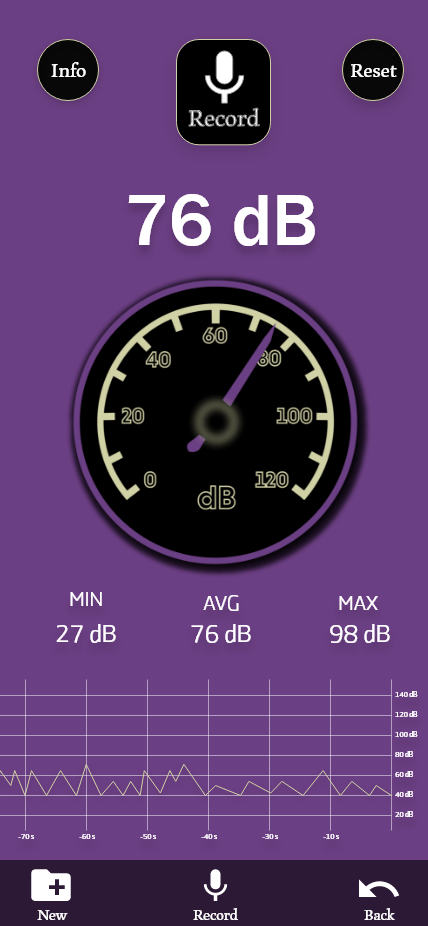
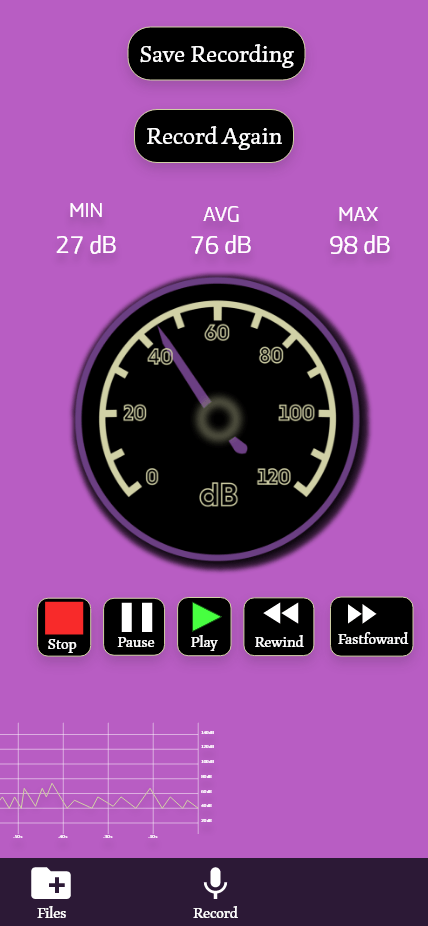
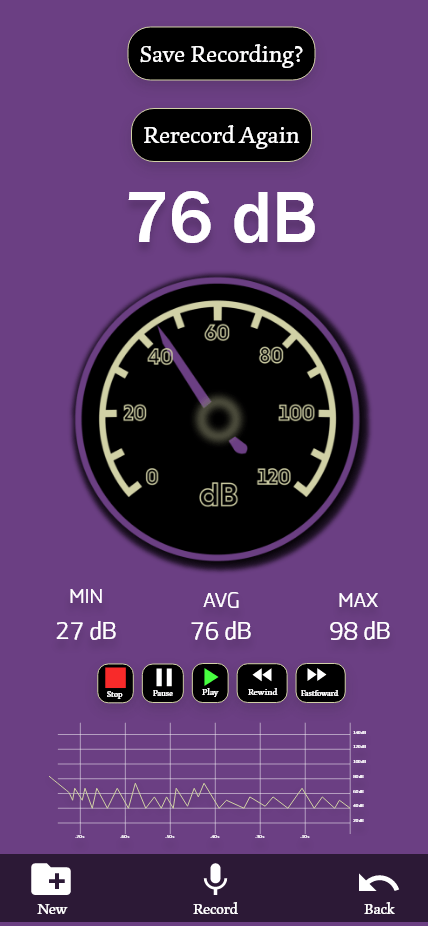
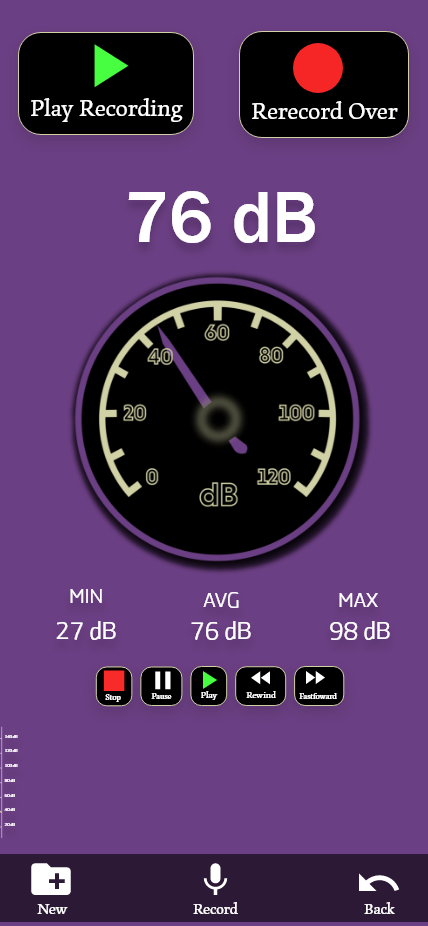
To help solve this issue I am developing an application that can determine the sound levels of the users environment and organizes the documents needed to create these ordinances in a quick and easy way. The user will be able to use the speaker on their smart phone to determine the sound decibels of the noise and the software will determine the levels frequency. There are three levels to the noise detection. The first level is color coded as green, letting the user know that the noise level does not require any legal actions. The user can still process the noise violation forums but the legal actions depend on the users state laws. The second level is color coded as yellow, letting the user know if the sound levels starts to increase legal actions will be needed. The third level is color coded as red, letting the user know that legal actions will be needed. The application will then guide the user through the process of creating the legal forums needed for these ordinances. After the user fills out the ordinances it will then be processed by law enforcement, so that they can quickly take care of the noise violation. Communities in America deserve environments they feel comfortable in. My goal for this is to create software that allows them to quickly document the noise levels around them and to guide them through the legal documentation that needs to be processed.
Work Cited
KNC. (2021). Noise ordinances. Kinetic Noise Control. https://kineticsnoise.com/industrial/noise_ordinance.html (Links to an external site.)
Nena. (2021). 9-1-1 Statistics. Nena The 911 Association. https://www.nena.org/page/911Statistics
Approach:
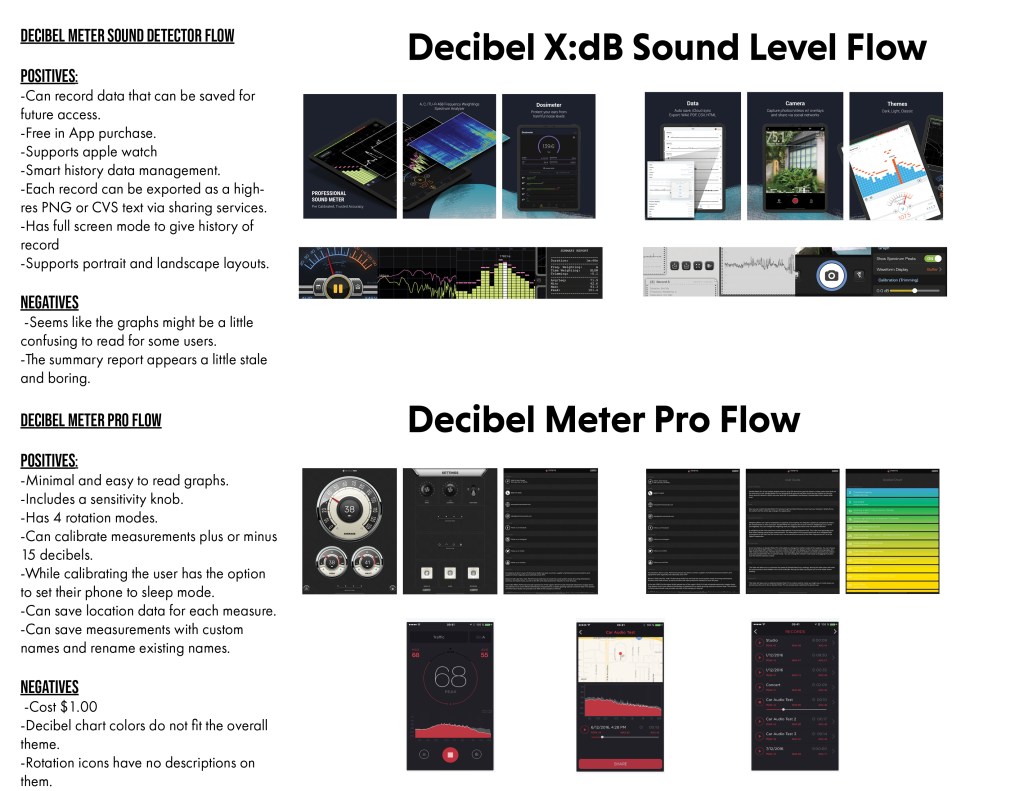
The approach that I took on this project was first creating a competitive analysis, where I compared my ideas to other applications that were similar to mine that were apart of the iOS platform. I created the pros and cons of each of the the applications with the similar idea of mine, so that I could create a easy and fluid experience for my attended users. I then created a flow chart using the application “Axure” that is used for mock ups and creating prototypes for applications. From this I laid out the pages, screens and buttons that would be used for each individual page and how they would interact with one another. Using this data I created a couple of sample mock ups that I shared with the class using the software adobe XD. I then used the class’s critiques to work on the areas that needed more development and kept the ones that worked out in an user friendly way. I then created a slide deck of the static images that I shared with the teacher. Using the teachers feedback, I began to work on the interactive porotype, showcasing how the applications features and designs. I then shared the porotype with individuals that I though might use this type of application, in order to get their feedback on their experience when using the app. I then redesigns some parts of the application using the comments that I obtained from the field test. Now I believe the prototype is at a state where is is ready to be seen by my intended users.
Design Research:
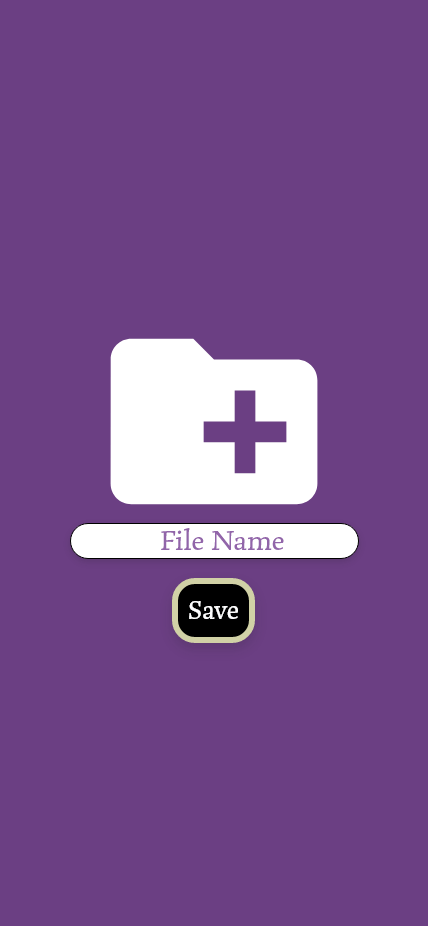
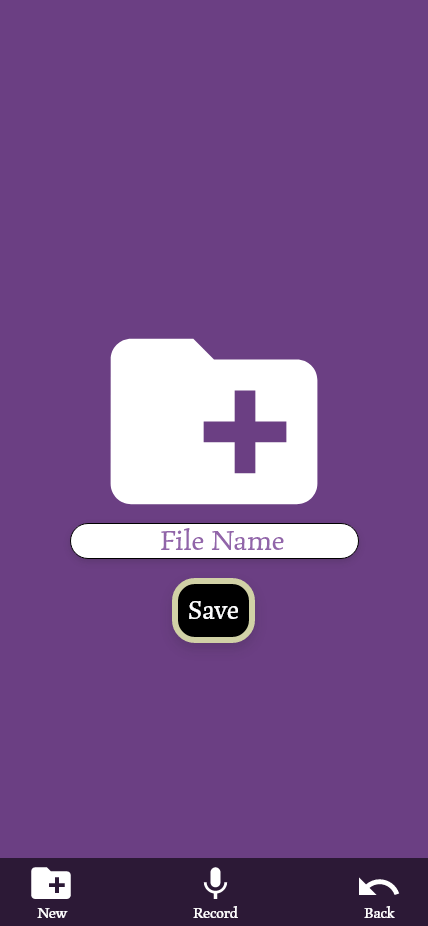
Using participants from the ages of 45-65, I let these participants use the Noise Free “prototype” to see how they handled the application. I asked the participants to try and navigate the application to: record audio, save the file, Create a new document, attach the audio file and submit the application. Most of the participants were able to complete these tasks within 3 minutes and submit the final forum.
The Participants all commented they they understood how to record the audio and save the files. There was a little confusion to when it came to replaying the recording, so to solve this issue I created easily recognizable to play back features that made it easier for the users to play back there recorded file.
from this research I was able to make the recording visuals a different color to let the user know that they have begin recording. I then created larger buttons for the playback options, so that the user could easily recognize the features. In the end I believe I was able to solve most of the issues that the participants commented on and kept the functionality that the users were able to understand.
Competitive Analysis:
Flowchart:

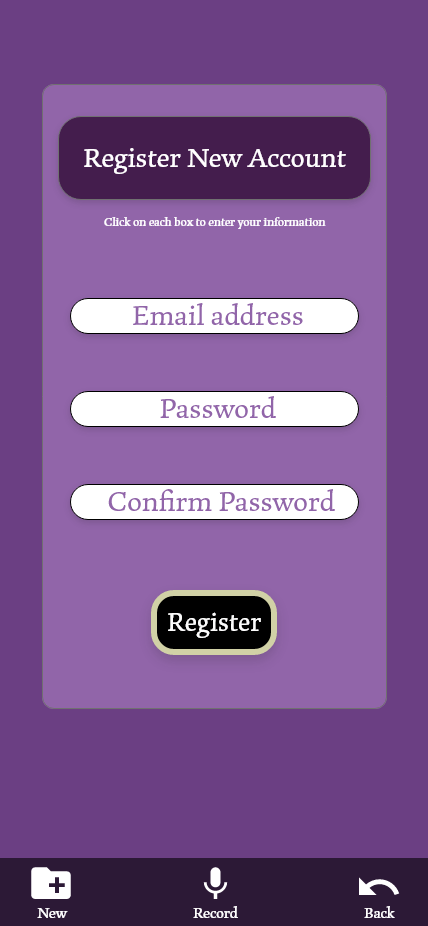
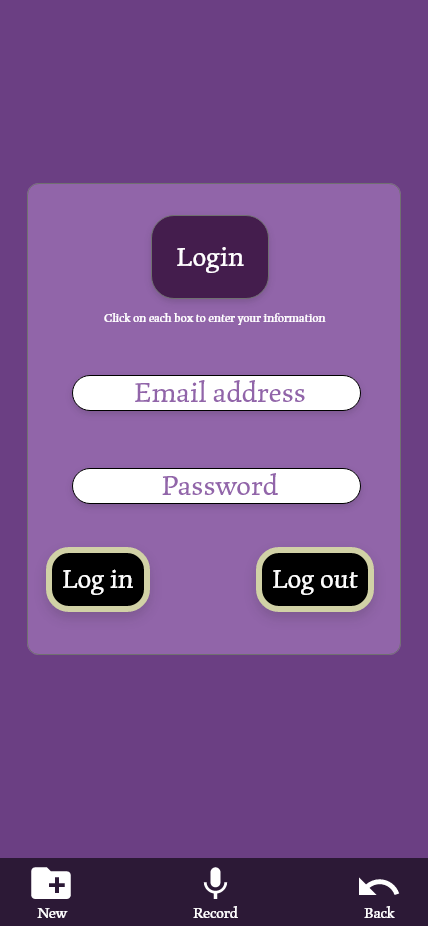
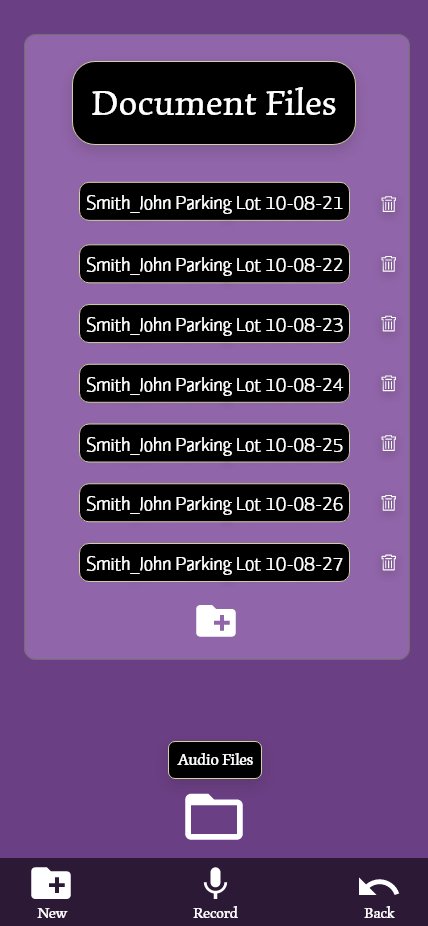
Updated Individual Screen Designs:





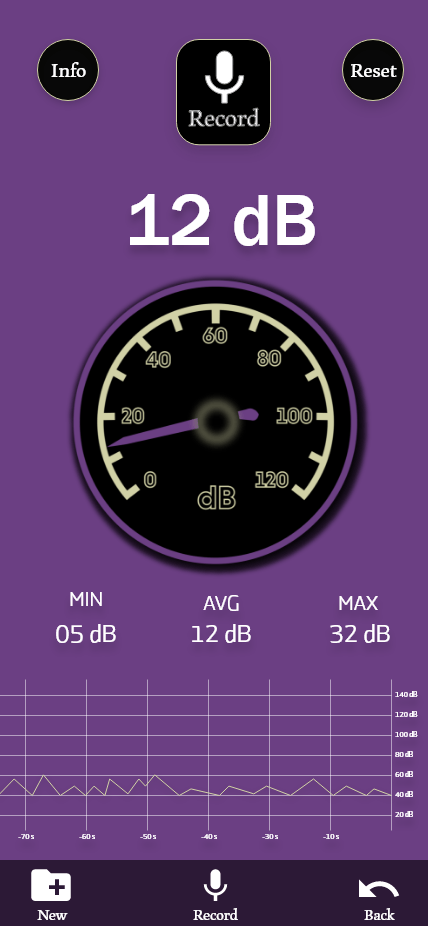
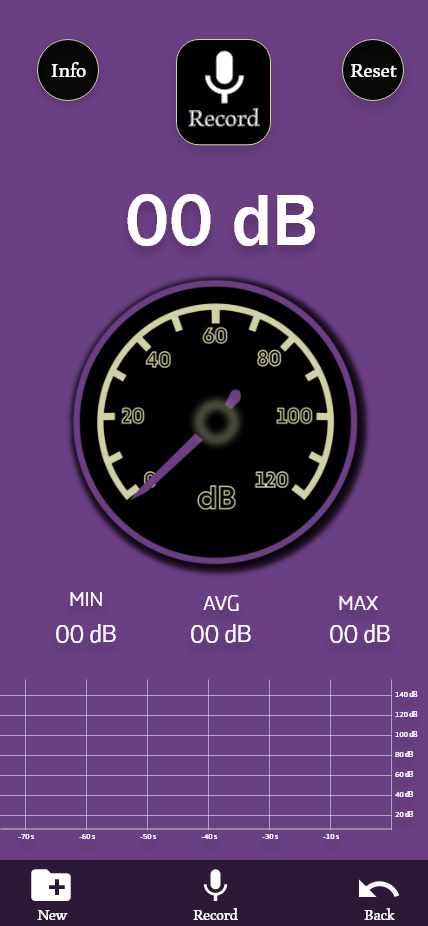
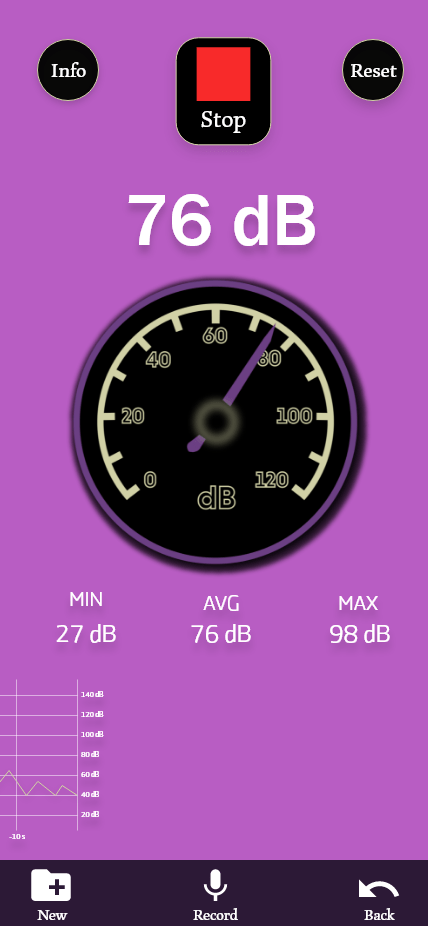
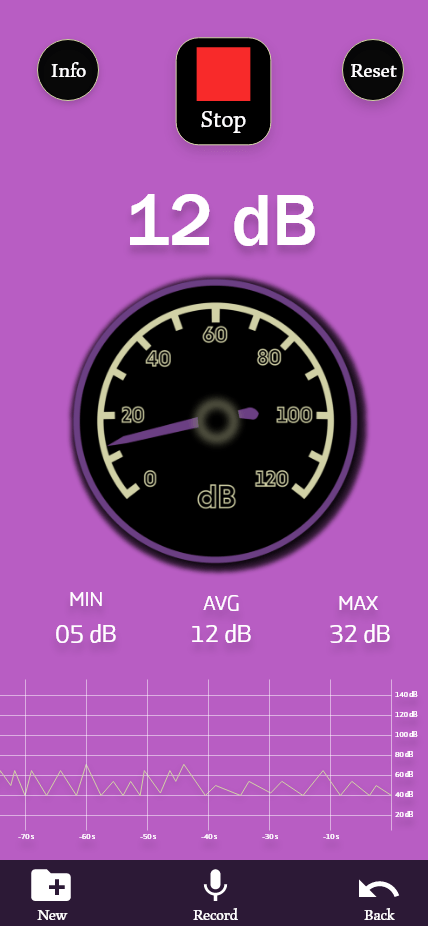




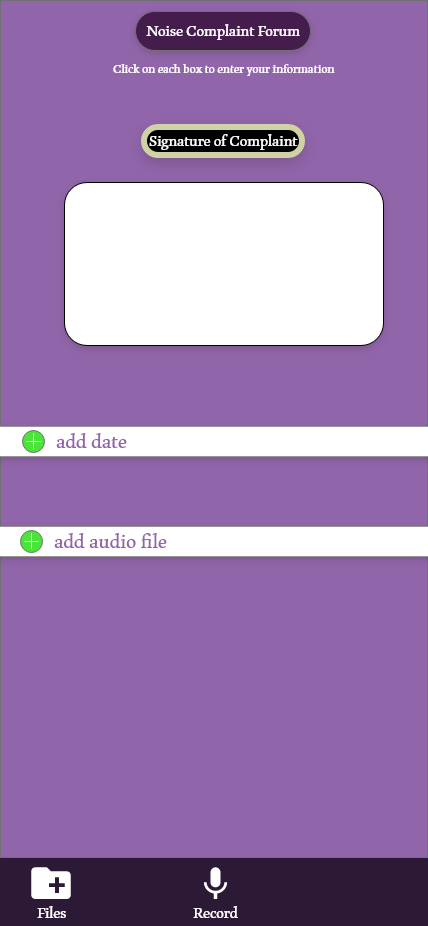
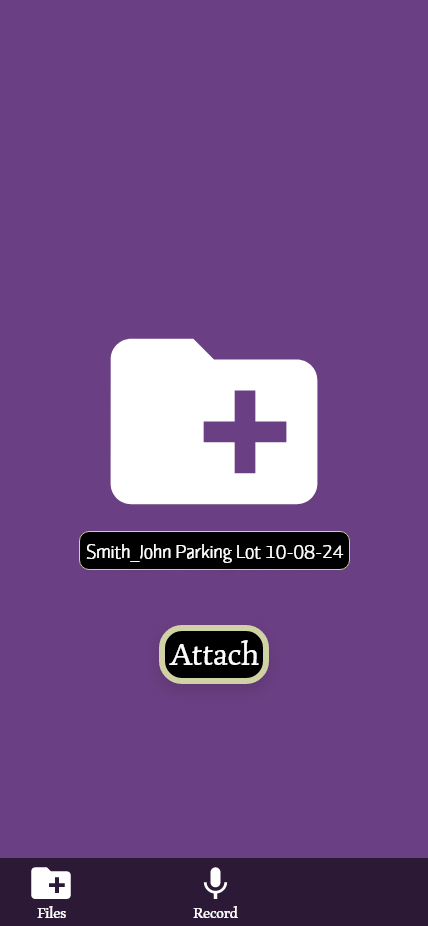
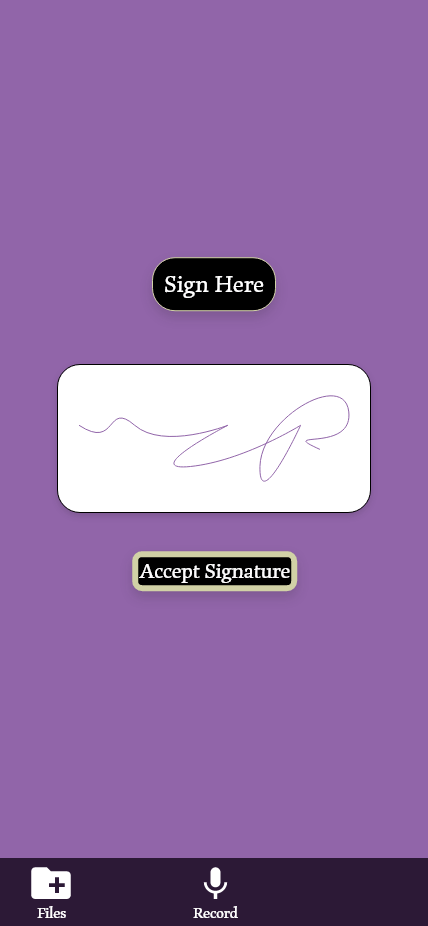


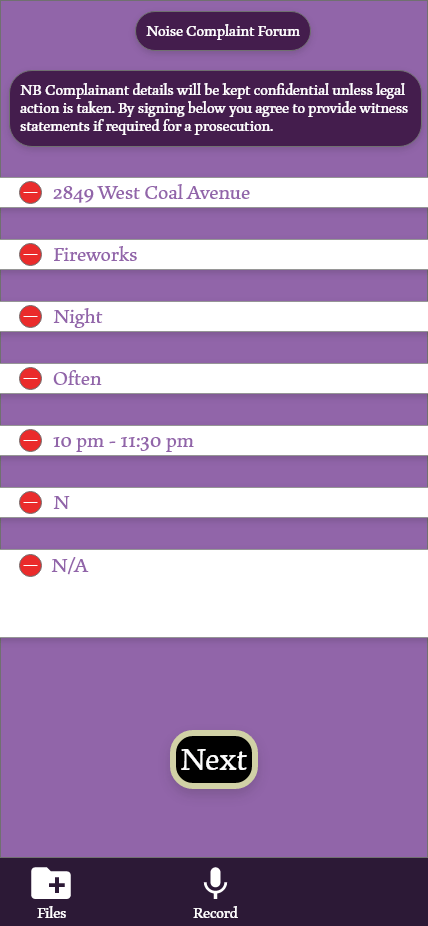

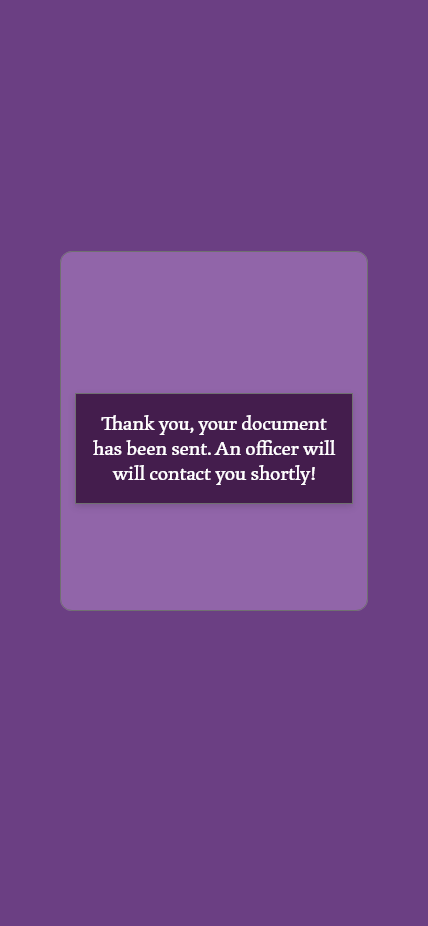
Updated Slide Deck
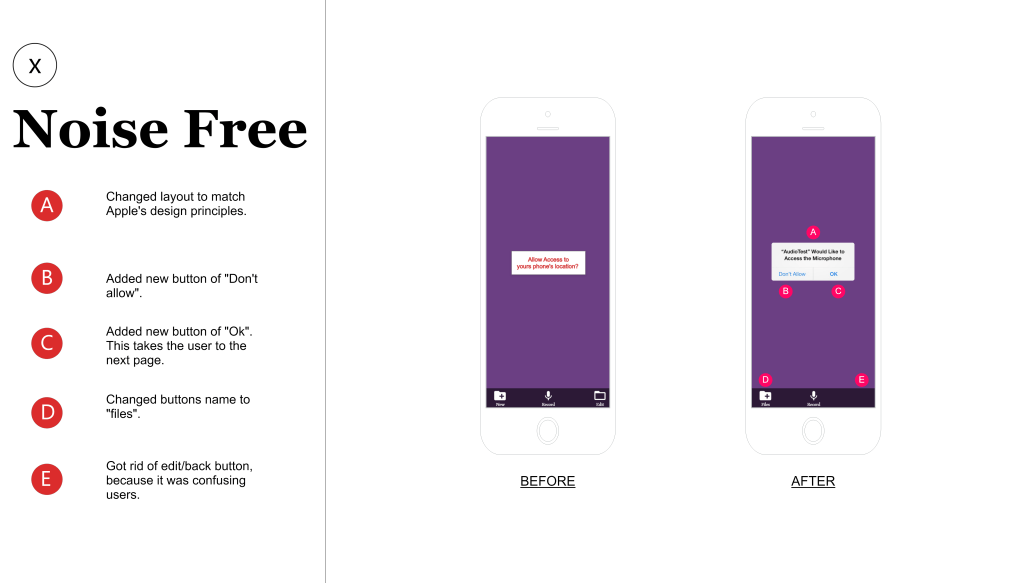
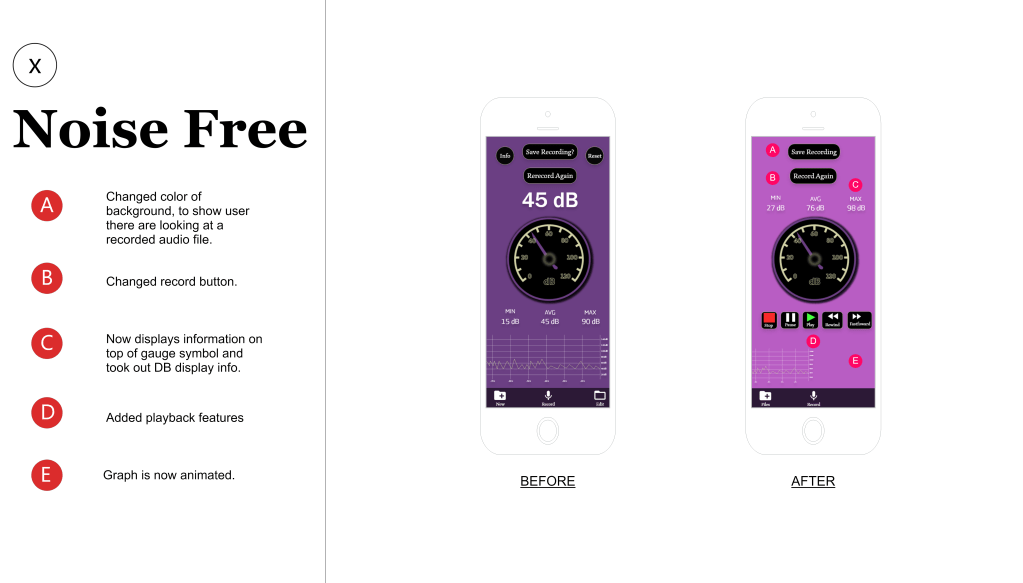
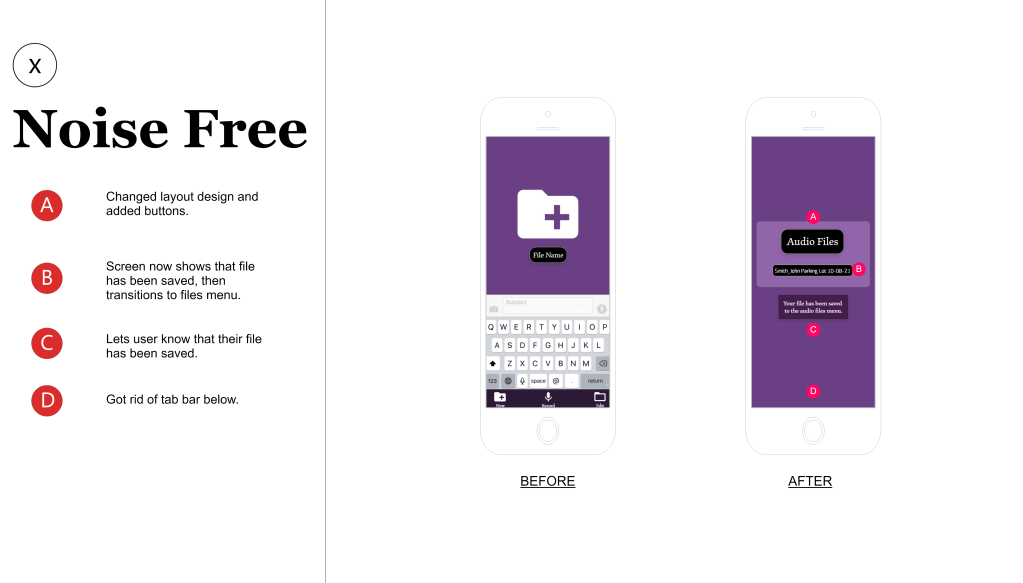
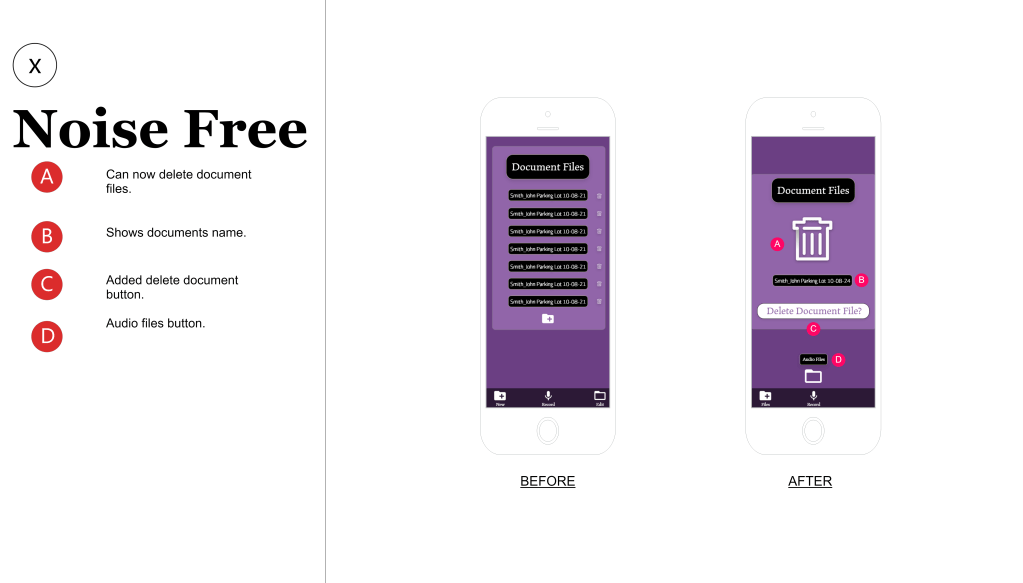


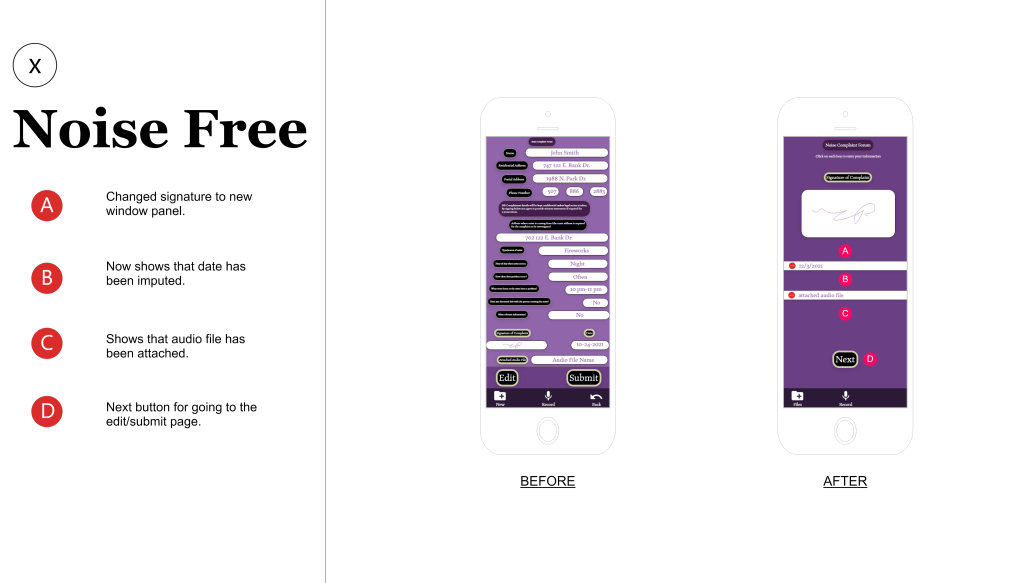
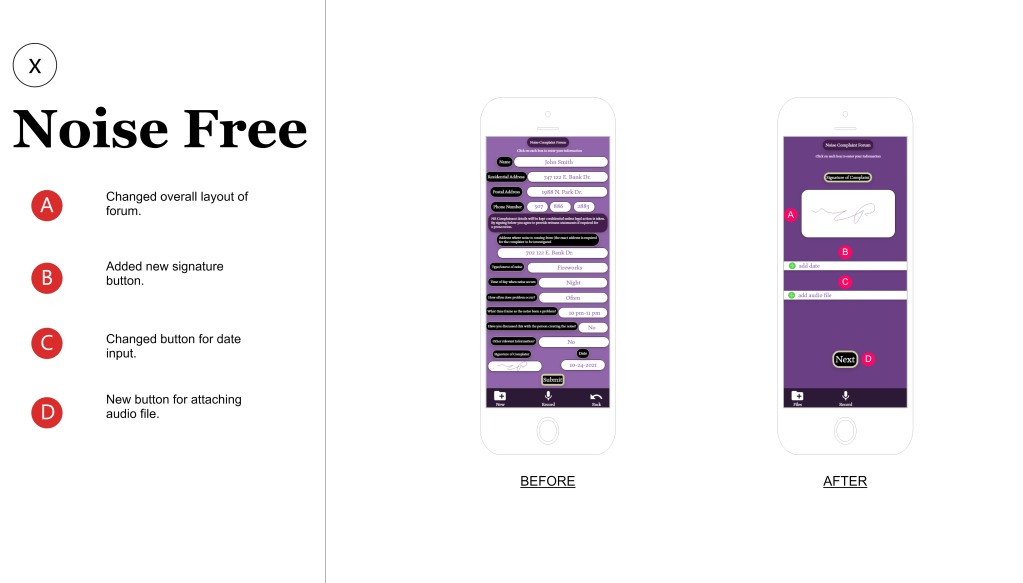
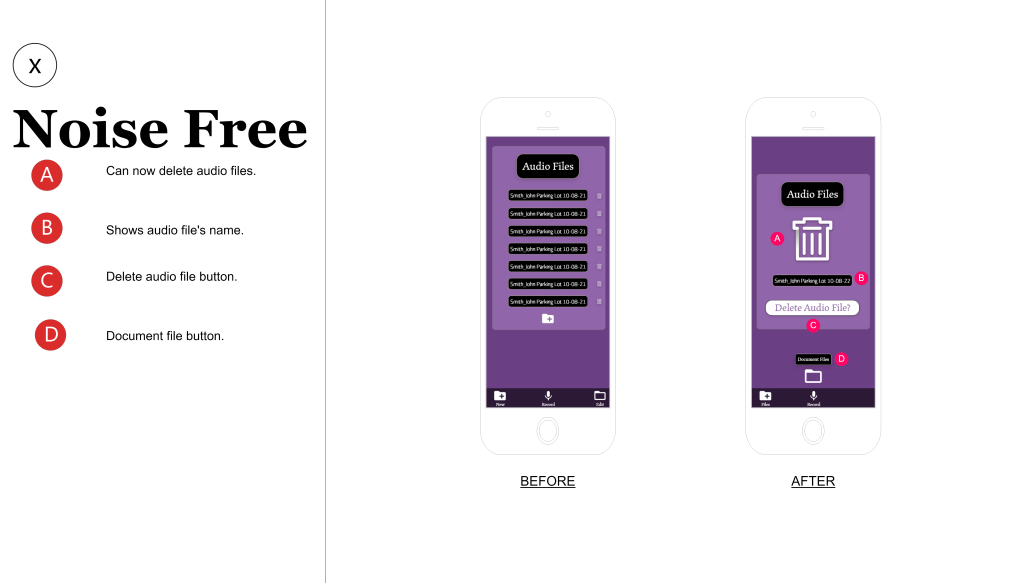
Updated Retrospective
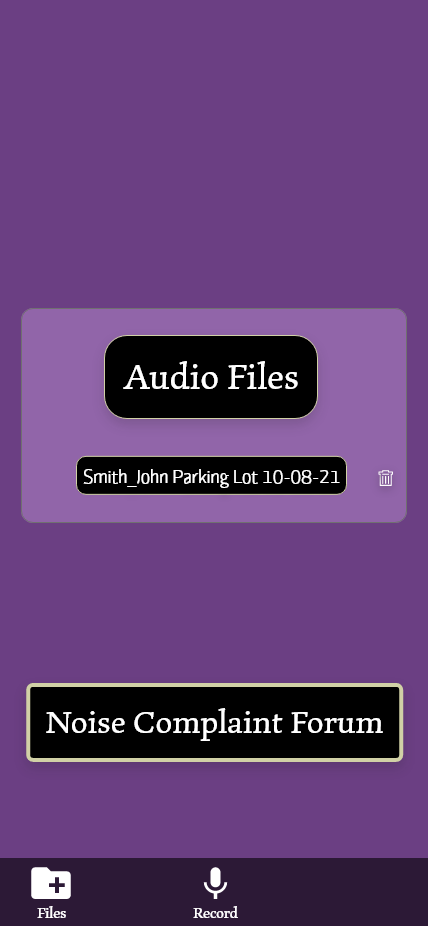
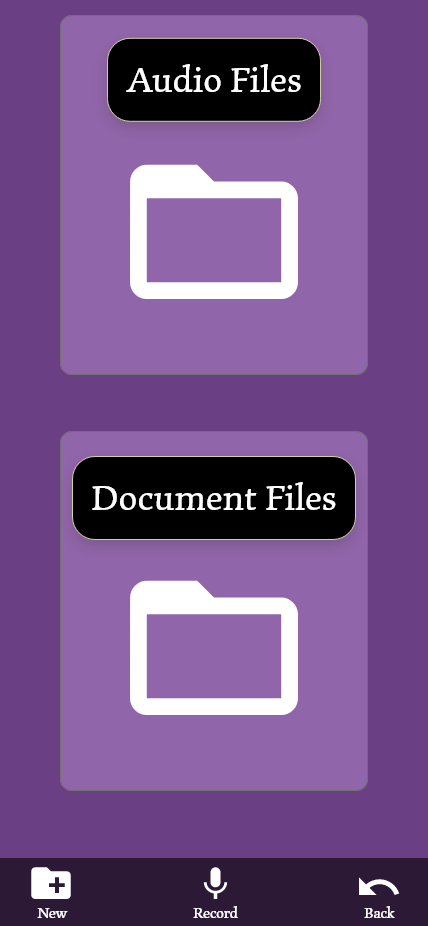
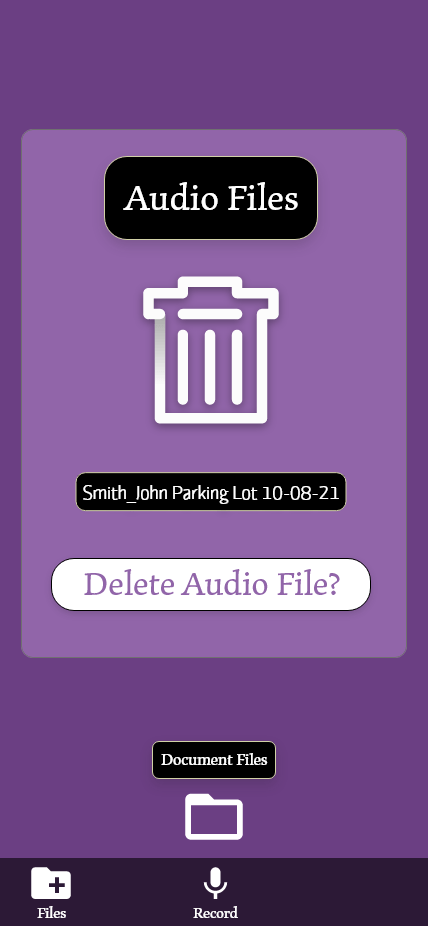
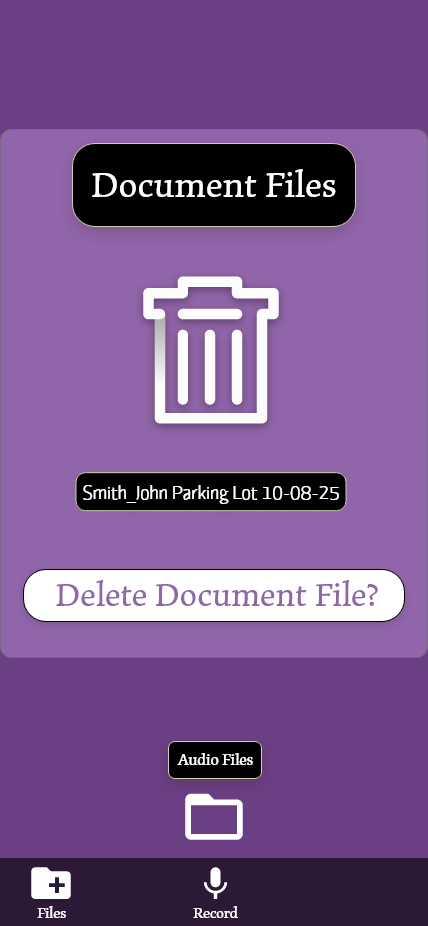
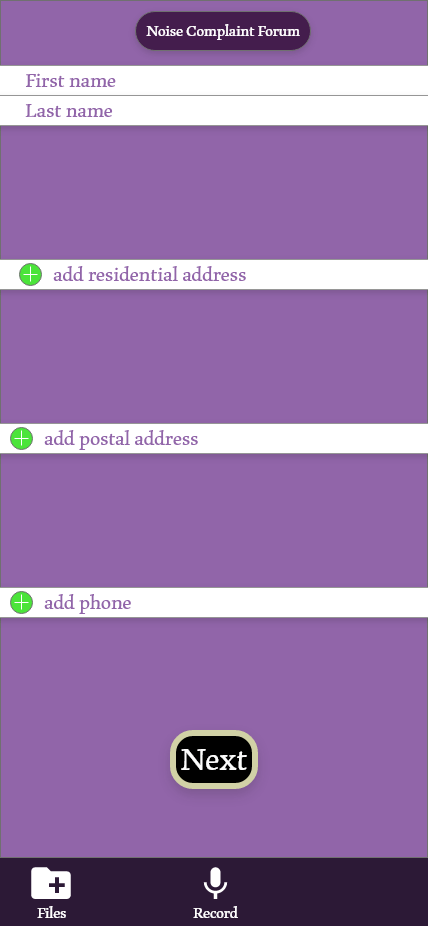
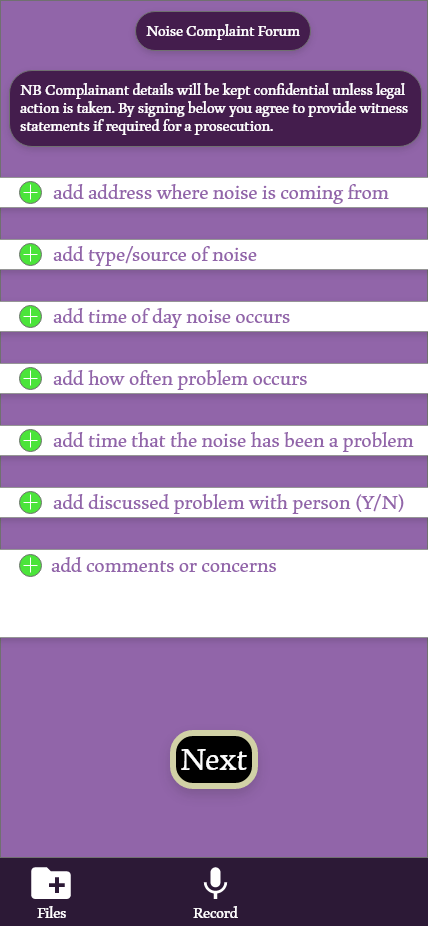
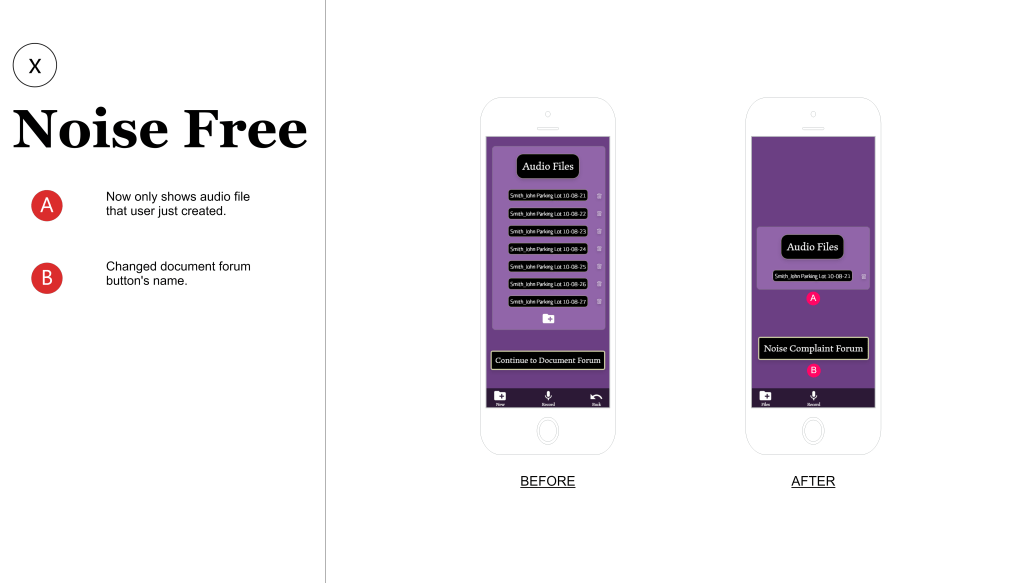
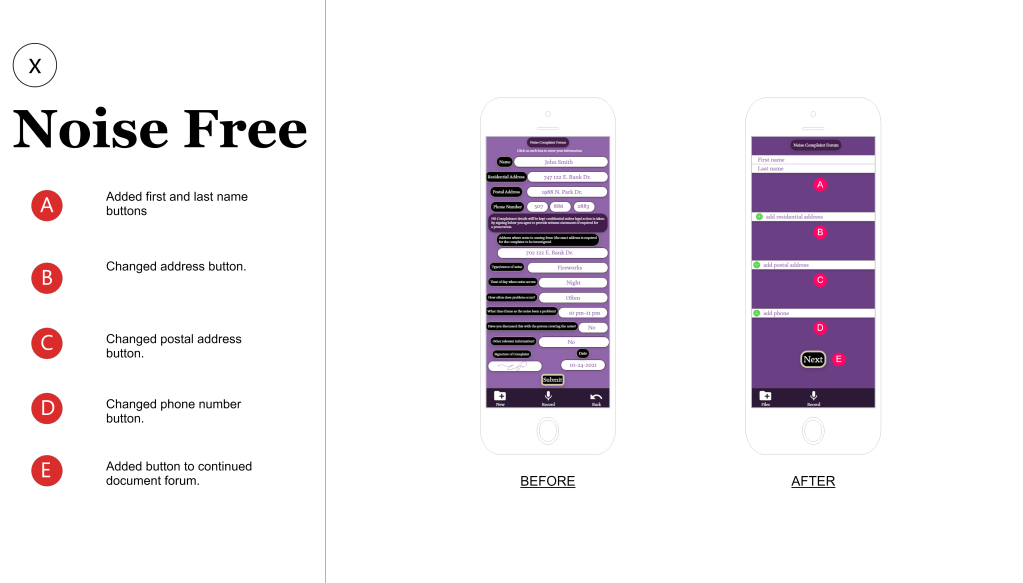
- The most challenging aspect of reworking my iOS app was simplifying certain areas such as the document forum. I also found it challenging creating multiple screens for the deletion of audio or document files. It makes me appreciate the hard work that goes into a simple task such as deleting a file. As far as simplification I needed to match Apple’s standards of design and I tried to implement this into the documentation forum, so that users who are familiar with the iOS layouts would understand how to fill out the document in the correct order. It was hard deciding what pieces I should keep from my previous designs and which pieces I should change or leave out. I learned from allowing users to test my app that some section of the app needed to have less buttons and less words, because my previous designs were pretty page heavy. I also learned what things I should change such as changing the name of the “new” file button on the tabs below each screen and changed it to “files” so that users would understand what the icon is trying to indicate. Overall, I think I kept the things that were necessary for the app and changed the other designs to match the fluidity of the revised designs.
- The biggest lesson that I learned from this design project was understanding the importance of creating components and how they are very useful for updating an app. Some objects that I created were not components and it took a very long time to change each icon individually. If I turned this into components the first round, then I would only have to change one of the components to change the rest. Another useful thing that I learned was animating screens in Adobe XD and how these transitions can make your protype feel livelier and give more of an active feel to how the live app would work in public. I also learned the mistakes of not turning and object into a component and how this makes it very difficult to change when updating ones app. The next time I create an app, I will remember to turn objects that I believe I might use in a variety of different scenarios into compound objects from the get-go.
 Alex Lind